
GTA 6 Post-Launch Patch Analysis and Update Fixes
Explore GTA 6 post-launch patch analysis, detailing fixes for crashes, autosaves, mission blockers, and gameplay stability improvements.
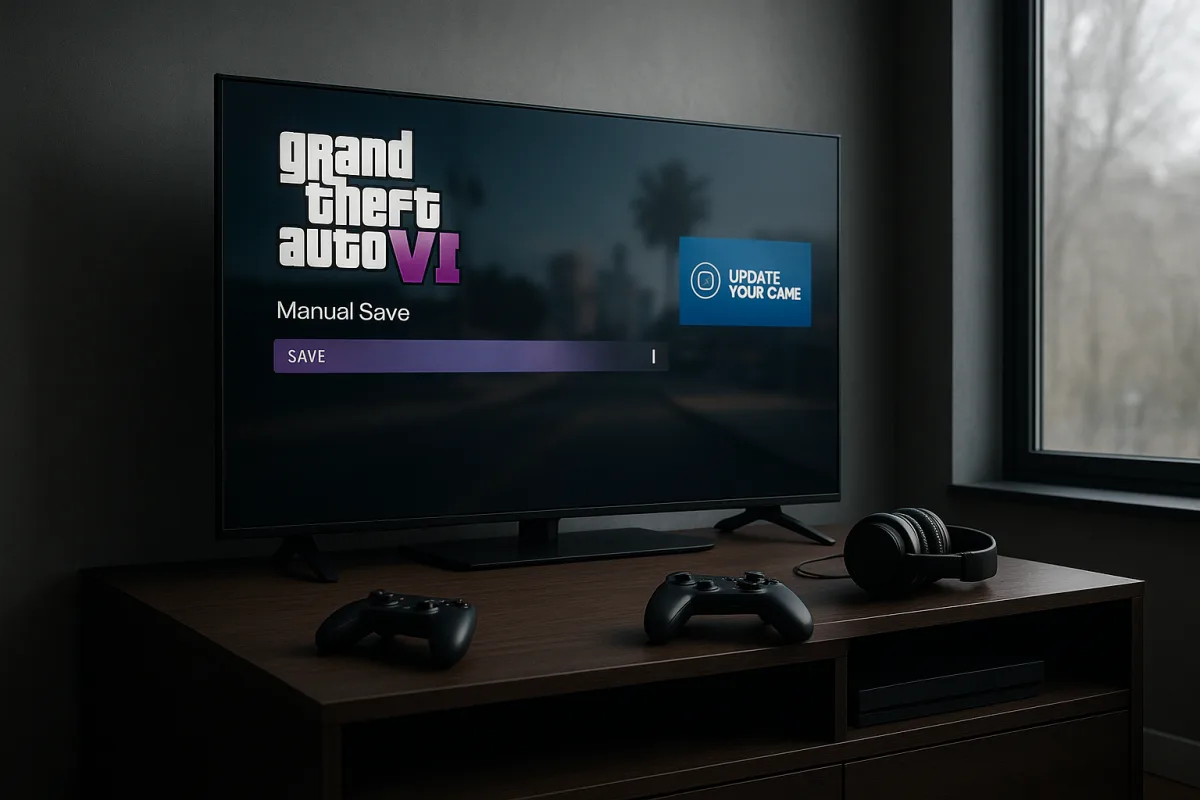
Install the November 23 patch before replaying a broken mission
Version 1.002.002 arrived on November 23, 2026, four days after launch. It is GTA 6’s first substantial post-launch repair pass, targeting the kind of failures that can turn a long session into a lost evening. [10][11]
The download is modest by current open-world standards, roughly 603.8 MB on PS5 and 1.6 GB on Xbox Series X and Series S. [12] The size is not a measure of its importance, though. This is a save-protection patch first.
Shacknews’ launch-update coverage highlighted crash and story-progress fixes, while Happy Gamer’s patch roundup pointed players toward fixes for crashes, autosaves, and wanted-level behavior. Those are the right places for Rockstar to start, because each one can stop you from advancing normally.
Check the version number from the game’s update information before loading an old save. If your console has been offline, let it complete the update, restart GTA 6 fully, and only then retry a mission that previously failed.
We would not rush into a fresh replay of a troubled chapter on the launch build. A patch cannot restore progress already lost to a crash, but it can reduce the chance that the same trigger wastes another attempt.
Make a manual save after every clean checkpoint
The autosave icon is not a contract. Early player reports described autosaves appearing mostly after major missions, leaving gaps during free-roam activity, side content, shopping, travel, and the messy space between formal story checkpoints. [8]
GTA 6 offers 15 manual-save slots. [8] Use them like rotating insurance: keep one long-term story save, one current-session save, one before a difficult mission, and several rolling saves as you progress through a chapter.
Save after a mission-complete screen, after buying expensive property or equipment, after finishing an activity chain, and before beginning a long drive toward a story marker. The point is to preserve completed work, not to overwrite your only stable state.
Manual saving is unavailable in the middle of missions, according to Gaming Trend Wire’s save guide. [8] That means you should save immediately before the mission begins, especially if it starts with a long setup sequence or forces an extended pursuit.
Patch 1.002.002 specifically addresses autosave functionality, but the community recommendation to retain manual backups remains the right call. [8][10] Rockstar fixed an identified fault, not the underlying fact that open-world games generate plenty of opportunities to lose unsaved time.
If a crash hits after a supposedly important milestone, reload carefully and verify where the game actually returned you. Do not assume the story marker alone confirms completion, because a reset phone call, missing reward, or reverted objective can reveal that progress never committed.
Retry story blockers from a clean save
The early patch notes cover multiple mission-flow failures, including phone-call triggers, gym interactions, and fence-related mission problems. [10][11] These are not cosmetic fixes. A missed call or unresponsive interaction can leave the story looking available while its next event never starts.
If a phone call does not arrive, stop wandering the map for an hour hoping the game catches up. Reload the most recent manual save made before the relevant objective, restart the sequence, and give the mission its expected setup time.
For a gym or fence interaction that refuses to trigger, exit the immediate area, make a fresh manual save if the game permits it, reload, and approach again without stacking unrelated side activities on top. The patch is intended to remove those blockers, but clean reproduction beats improvisation.
Keep an older save before missions that branch into a major heist, character switch, or long scripted chase. Rockstar has not published a player-facing recovery tool for damaged story state, so your own save rotation remains the fastest fix.
Weather bugs also appear in the first repair pass. [10] If rain, fog, lighting, or time-of-day conditions remain locked after updating, reload rather than assuming a cinematic weather state is part of the mission design.
We would give the patch one clean attempt before declaring a mission permanently broken. If the same objective fails again on updated software and a fresh reload, stop overwriting saves around it. Preserve the problematic slot for a later Rockstar fix.
Separate crash fixes from performance fixes
The post-launch patch addresses multiple crashes and comes after widespread launch complaints about stutter and frame drops. [10][13] It should reduce outright failures, but there is no published evidence that 1.002.002 transforms GTA 6 into a locked-frame-rate game.
That is important because “fixed crashes” and “fixed performance” are different patch-note categories. A crash may happen once in ten hours, while uneven frame pacing can affect every dense drive through Vice City or every firefight packed with NPC simulation.
Community reaction has been broadly positive about how quickly Rockstar shipped a critical patch, even as performance concerns remain part of the conversation. [10][13] Four days is a strong response time, but it is not enough time to declare the launch technical debt cleared.
Restart the game after installing the update instead of relying on Quick Resume. This is particularly important if you had been using a pre-patch suspended session, because cached game state and a new executable are a poor combination when you are checking whether a bug is actually fixed.
If stuttering persists, record the exact place, mission state, weather condition, and what was occurring on screen. “It lagged downtown” will not help distinguish a city streaming hitch from a mission-specific problem. A repeatable trigger is what Rockstar can act on.
Do not chase supposed regional or hardware-specific causes. Rockstar’s published fixes do not identify a console model, geographic region, or specific setup as uniquely vulnerable to GTA 6 crashes or story bugs.
Do not mistake 30 fps for a broken setting
GTA 6 targets 30 fps on PS5, PS5 Pro, Xbox Series X, and Xbox Series S. Rockstar has said PS5 Pro cannot reach 60 fps because the game’s CPU workload and world simulation cannot fit within the shorter frame-time budget. [2][4]
At 30 fps, each frame has roughly 33 milliseconds to finish. A 40 fps mode requires 25 milliseconds, and 60 fps requires 16.7 milliseconds, leaving much less time for the game’s traffic, crowds, AI, physics, and rendering work. [2]
So if your console is delivering 30 fps in normal play, it is meeting Rockstar’s stated target. A dip below that in heavy action or a crowded district is a performance concern, but the absence of a 60 fps toggle is not a hidden feature waiting to be enabled.
We would judge the patch by stability, mission reliability, and frame pacing before counting raw frame-rate spikes. A briefly higher number is worthless if camera motion hitches, animations break, or the simulation cannot sustain the load.
Skip the Series X unlocked-frame-rate exploit
A Series X workaround circulated on version 1.002.001: start GTA 6 at 60 Hz, wait for the intro’s six-star screen, cold-boot another game, switch the display to 120 Hz, then return with VRR enabled. GamingBolt reported that this could remove the game’s frame cap.
It is a glitch, not a performance mode. One tester using a television frame counter reportedly saw around 90 fps inside Jason’s house, but character animations ran at roughly double speed, suggesting game behavior was being tied to the broken frame-rate state.
Outside, the instability became worse. Testing described performance eventually normalizing, dropping under 30 fps, and in some cases falling to about 5 fps, while busy locations with crowds or animals were especially demanding.
Cutscenes reportedly behaved differently from normal gameplay, which makes the workaround even less trustworthy. You are not unlocking a hidden high-refresh version of GTA 6. You are forcing the game into a state that can desynchronize its systems.
Patch 1.002.002 may close the exploit, and Rockstar would be right to do so. Do not build your expectations around it, and do not use it while progressing the story. Keep your save file away from experiments that can corrupt the experience you are trying to preserve.
Set expectations for each console version
PS5 and Xbox Series X render GTA 6 at a 1440p base resolution before Rockstar’s temporal anti-aliasing upscales the image to 4K. [3] PS5 Pro also starts from 1440p, but uses PlayStation Spectral Super Resolution 2 and adds ray-traced shadows. [3][4]
Xbox Series S starts at 720p and uses AMD FSR 4.1 to reconstruct to 1080p. [3][6] That is a larger reconstruction climb, so expect the Series S version to prioritize getting the complete game running over matching the image clarity of 1440p-based consoles.
No independent side-by-side test has established a precise visual ranking or quantified frame-rate differences between every version. The published specifications tell you the rendering paths, not how every street, storm, or night scene compares in motion. [3][5]
PS5 Pro’s advantage is image treatment and ray-traced shadows, not a higher performance tier. If 60 fps is your non-negotiable feature, none of the current console versions is the answer. [4]
For most players, base PS5 or Series X is the value pick, since both target the same 30 fps cap and start at 1440p. [3][4] We would pay for PS5 Pro only if cleaner reconstructed detail and improved shadows matter enough to justify the hardware premium.
Keep watching patch notes, not panic posts
The initial reaction to GTA 6 has included praise for its world and narrative alongside complaints about crashes, inconsistent autosaves, and performance dips. [1][13] That mix is normal for a game this large, but the specific failures still deserve specific fixes.
Use patch notes as your baseline. The first major update has a defined list: crashes, autosave functionality, story progression, weather, wanted levels, phone triggers, gym interactions, and fence-related mission issues. [10][11]
If your problem is not on that list, do not claim it has been fixed because a download arrived. Test it once after updating, with a manual backup in place, then wait for corroborated reports or a later Rockstar note.
The meta here is not a weapon build or a money route. It is how you spend your time in Leonida. Until another patch arrives, manual saves and a clean restart after updates are the two habits that will save you the most frustration.
Frequently Asked Questions
What issues does GTA 6 post-launch patch 1.002.002 fix?
Patch 1.002.002 fixes several critical issues including crashes, autosave behavior, stuck weather effects, wanted-level bugs, and interaction problems such as phone-call triggers and gym or fence mission blockers. These fixes aim to reduce lost progress and improve mission flow stability.
How does the GTA 6 November 23 patch improve gameplay stability?
The patch addresses crashes that could cause significant story progress loss and corrects autosave functionality to better protect player progress. It also resolves story progression blockers caused by missed phone calls or unresponsive mission triggers, helping players advance without getting stuck.
What manual save strategies work best after GTA 6 updates?
Players should use GTA 6’s 15 manual-save slots as rotating backups, saving after every completed mission, major purchase, or activity chain. It is important to save before starting difficult missions or long travel segments, since autosaves are not guaranteed to occur frequently outside major checkpoints.
Does the GTA 6 patch fix mission progression blockers?
Yes, the patch fixes multiple mission-flow issues, including phone-call triggers and interaction bugs that previously prevented story events from starting. Reloading a manual save made before the problematic objective is recommended if a mission becomes stuck.
How does GTA 6 patch affect performance and crashes?
The patch reduces crashes that caused loss of progress but does not eliminate all performance issues like stutter or frame drops. GTA 6 remains capped at 30 fps on all consoles, and performance stability should be prioritized over attempts to increase frame rates through exploits.
How we researched this
This article was assembled from 1 video source, 3 published articles, 14 cited references.
Nothing here is based on hands-on testing. Where a figure or finding appears, it belongs to the source cited beside it, and the writing says so rather than implying otherwise. Every source is listed below so you can check it.
Sources
Can GTA 6 Run at 60fps? And Which Version Should You Play?, GamingBolt
GTA 6 Update 1.002.002 Patch Notes: Crash, Autosave and Wanted Level Fixes, Happy Gamer
Grand Theft Auto 6 Launch Update patch notes fix game crashes & story progress bugs, Shacknews
GTA 6 patch notes: Everything new in November 23 update, The Big Lead
GTA VI runs at 1440p on PS5 and Xbox Series X, but just 720p with upscaling on Series S
GTA 6 at 60fps on PS5 Pro isn't possible because the console "is not powerful enough," Rockstar says
GTA 6 Uses AMD FSR 4.1 on Xbox Series S to Upscale 720p Graphics to 1080p (November 2026)
After years of slander, the internet is finally apologizing to the Xbox Series S over GTA 6
GTA 6 Crash Lost Progress: Protect Your Save | GTA6 Briefing
GTA 6's First Post-Launch Patch Fixes Crashes, Stuck Weather, and Autosaves | TechPowerUp
GTA 6's first post-launch patch: version 1.002.002, file size and what it fixes | Leonida Info
Watch GTA 6 Post-Launch Updates and Patch Analysis on Youtube
Related Articles
GTA 6 Preorder Numbers and Sales Analysis at Launch
Explore GTA 6 preorder numbers, sales estimates, and revenue analysis based on launch-day data and industry reports.
Sony PlayStation Firmware Updates and Legal News 2026
Get the latest on Sony PlayStation firmware updates and the UK legal case affecting the PlayStation Store in 2026.
Steam AI Game Discovery Problem and Battlefield 6 Server Browser
Explore Steam's AI game discovery problem, Valve's submission changes, and Battlefield 6's server browser update for PC gaming trends.
Ocarina of Time Remake Water Temple Analysis and Changes
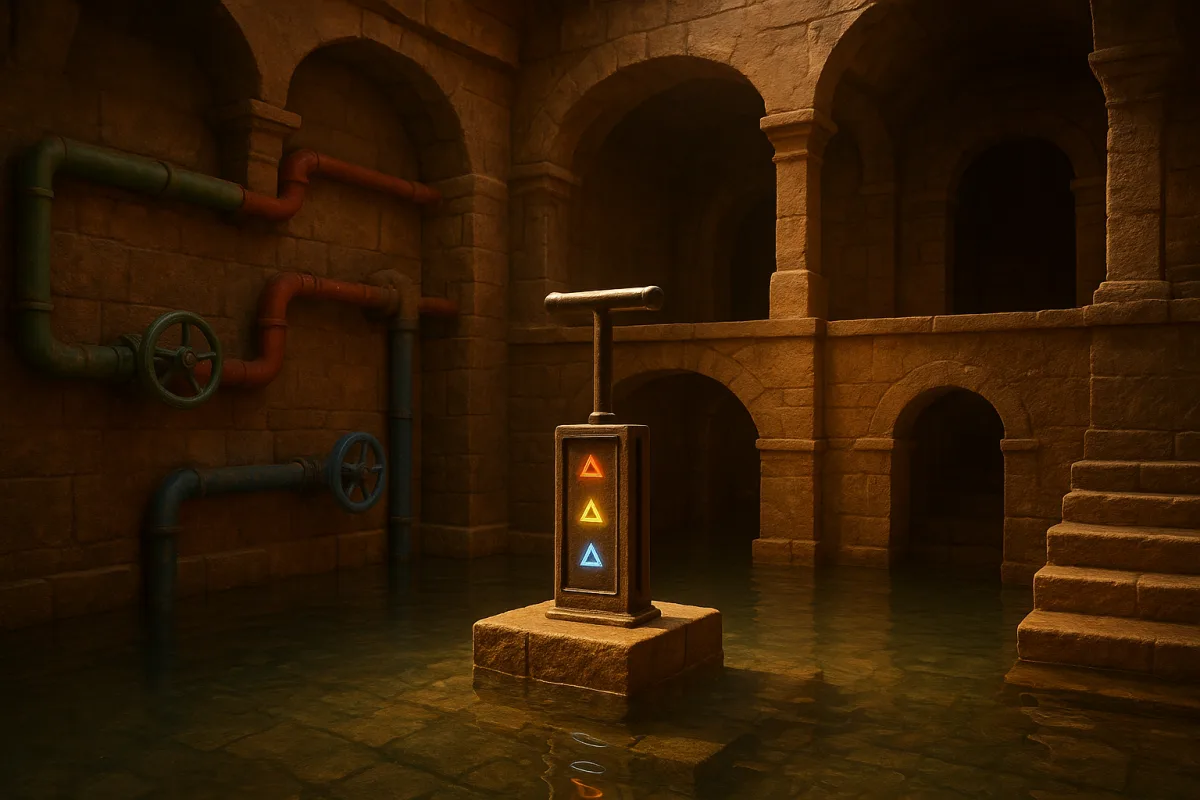
Explore the Ocarina of Time remake Water Temple changes, puzzle fixes, and improved controls in this detailed analysis.